You ask.
Type what you need, the way you’d tell a person. Point it at the photos, notes or files it should use.
 ConciergeSign inGet Concierge
Take the tour
Concierge is an app on your computer that does work for you. Tell it what you need in plain words. It plans the job, does it in your apps and with your files, and brings you the result to approve.
What you just saw
Type what you need, the way you’d tell a person. Point it at the photos, notes or files it should use.
A manager breaks the job into steps and specialists do each one, in the apps you connect, on your computer. You can follow along or walk away.
Finished work comes back for review, shown the way it will look. Approve it or give notes. If you’d rather it ask before sending, posting or spending, turn that on in Guardrails.
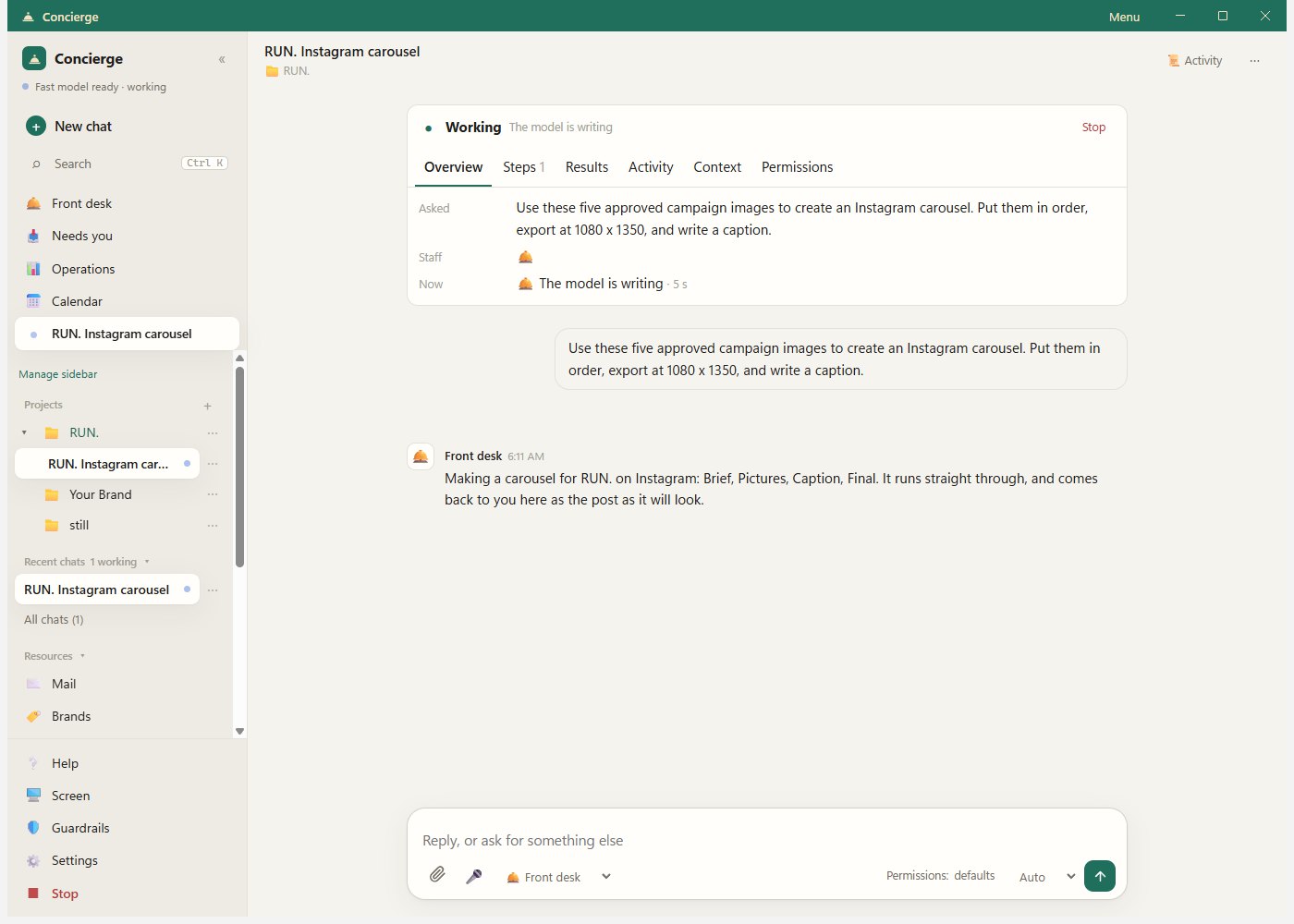
Use these five images to make an Instagram carousel. Concierge says what it will do, starts the job, and you can walk away.
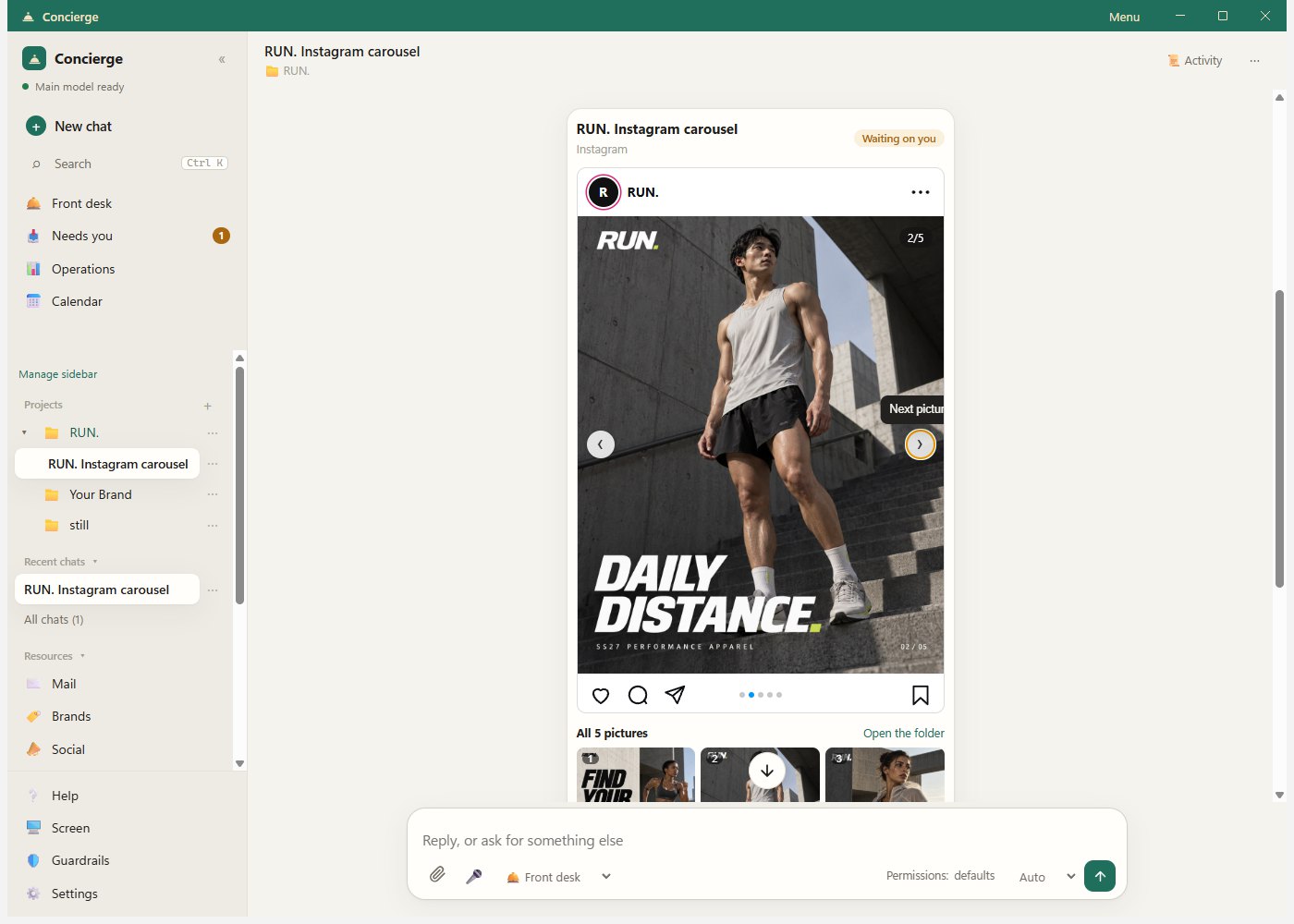
The finished carousel at 1080 x 1350, in an Instagram-style preview with its caption. One card to look at, under Needs you.
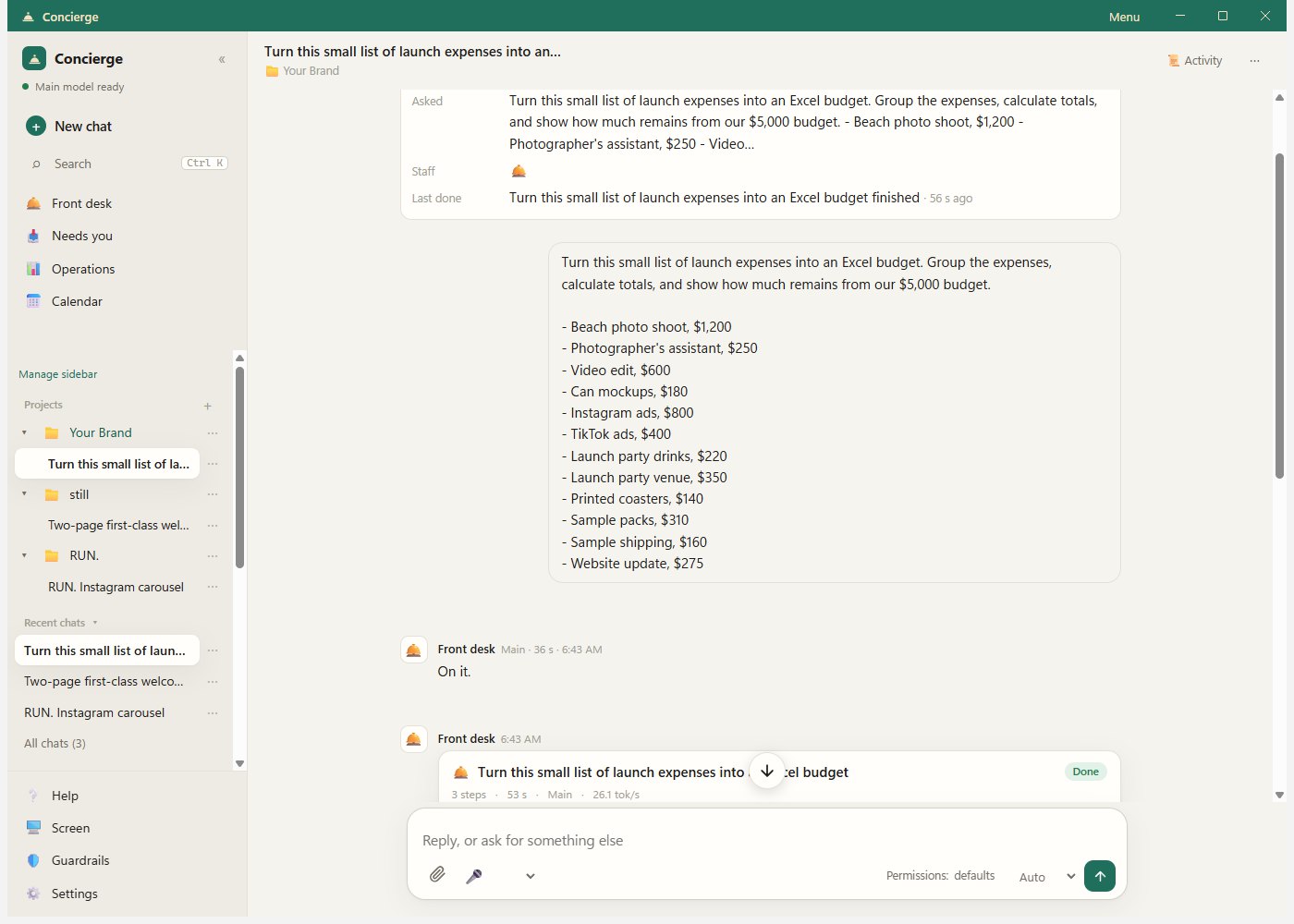
A list of expenses becomes an Excel budget with live formulas and what remains. The numbers come from code, not from the model guessing.
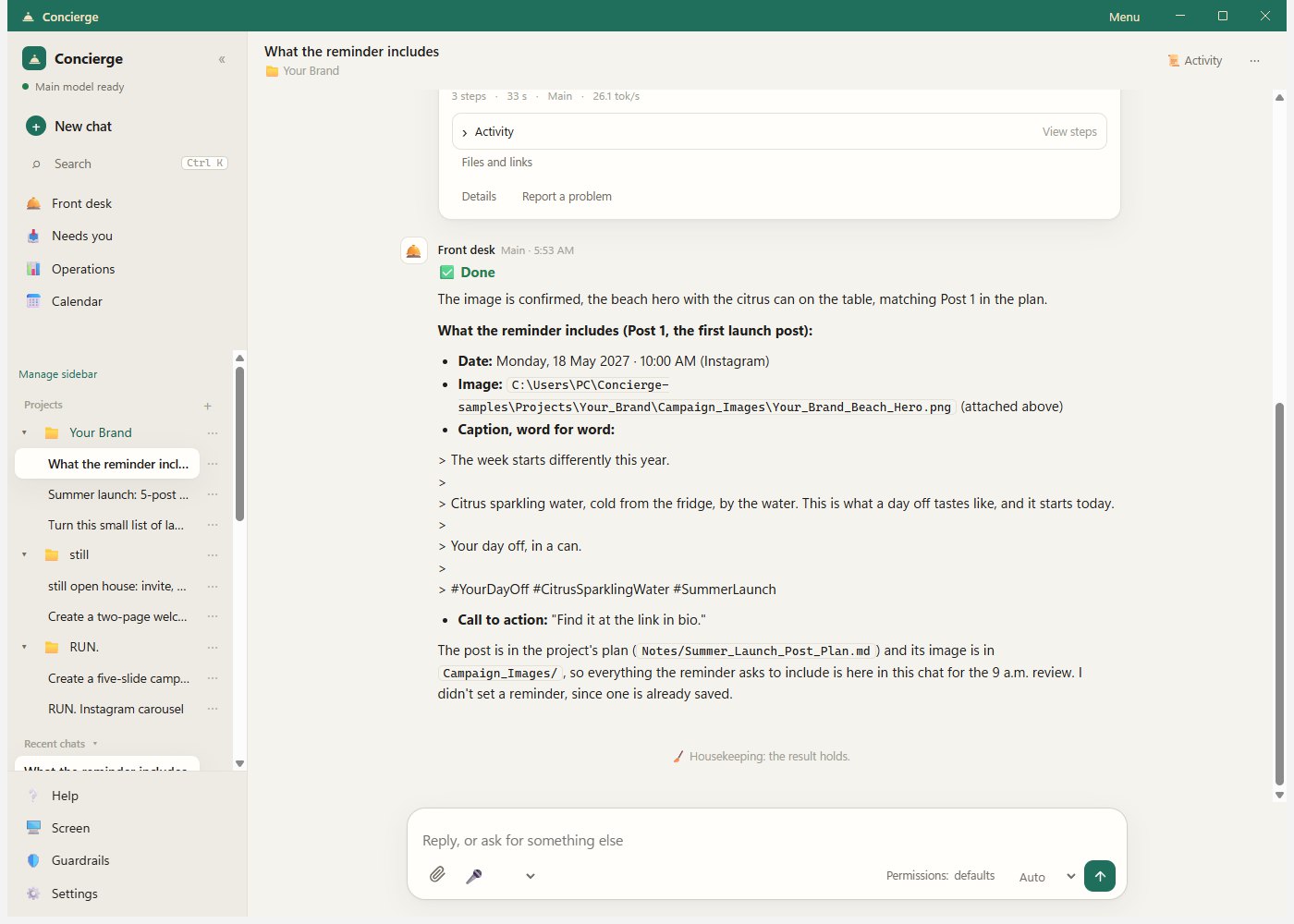
Ask for a reminder to review a post, and its date, picture and caption are waiting in the chat when it goes off.
Put your computer to work.